
GeigerLink – How to Use it
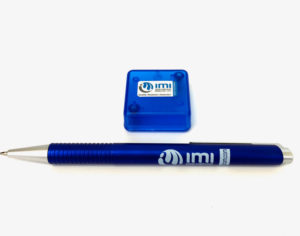
GeigerLink will connect your Medcom Geiger Counter to computers running OS X, Windows, Linux or Chrome operating systems. To get started please download the IMI Gateway App from the Google Chrome Web Store.
When you open the GeigerLink package you will find a 3.5 mm cable, which should be connected between the 3.5 mm jacks on your Geiger Counter and GeigerLink. Next connect the supplied USB cable between your Geiger Counter and your computer. The packaging materials containing your GeigerLink and accessories are recyclable and can also be used to store your GeigerLink when you arenʻt using it.
Next start the IMI Gateway App and select Instrument from the menu on top of the screen. Click on Add Instrument and then you have the ability to:
- Name the Instrument
- Select the serial port on your computer
- Select USB Geiger as Instrument Type
- Create notes about the instrument and installation
- Save your selected settings
Next click on Instruments and select the instrument you have just named and created. Click on Connect and you will be monitoring radiation levels.
You can view a graph of current and recent radiation readings and press Record to create a record of your readings.
Data Outputs can be configured to share your data with established radiation monitoring groups and can be customized for your own needs.
This page will be continuously updated to document all the features of the IMI Gateway application.